How to Bypass Discord’s 20MB File Limit Without Nitro (2026)
Updated September 2026: Discord raised the free upload limit from 10MB to 20MB in August 2026. Numbers and bitrate math in this guide now reflect the new cap.
Discord’s free upload limit is 20MB (raised from 10MB in August 2026; the old 8MB cap is older still). To bypass it without Nitro, either compress your file to stay under 20MB using HEVC encoding, or share via cloud storage (Google Drive, Dropbox, Streamable) and paste the link. Third-party client mods like Vencord offer a third option but violate Discord’s Terms of Service.
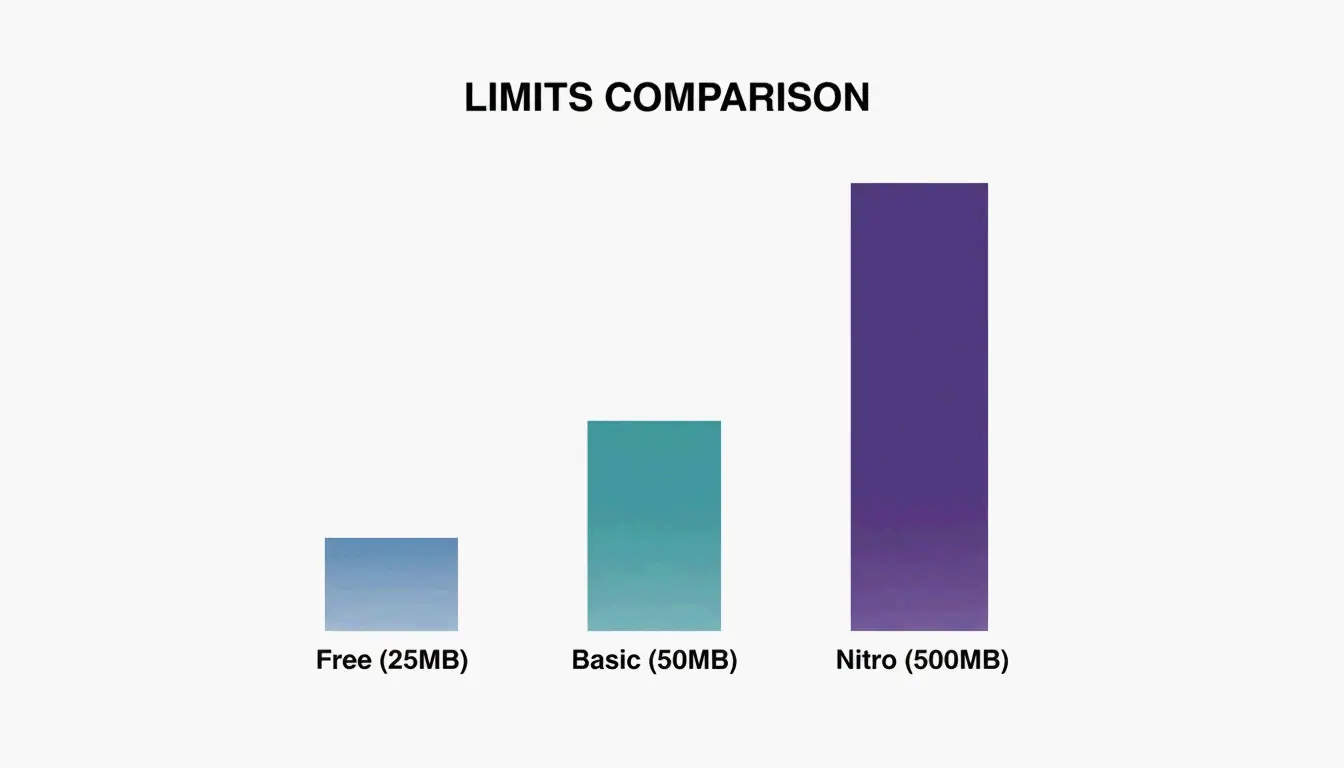
Discord File Size Limits in 2026
| Tier | Max File Size | Price |
|---|---|---|
| Free | 20 MB | $0 |
| Nitro Basic | 50 MB | $2.99/month |
| Discord Nitro | 500 MB | $9.99/month |
As 1MB Compress notes, any file exceeding your tier’s limit — even by 1 KB — gets blocked.
Method 1: Compress to Stay Under 20MB
The most reliable approach is shrinking your file before uploading.
Optimal Video Settings for Discord
| Parameter | Recommended Setting | Why |
|---|---|---|
| Resolution | 1280 × 720 (720p) | Plays natively in Discord’s built-in player |
| Frame rate | 30 FPS | Sufficient for chat clips, saves ~30% vs 60 FPS |
| Codec | HEVC (H.265) or H.264 | HEVC is ~50% smaller at same quality |
| Audio | 128 kbps AAC | Good enough for voice/music, saves extra MB |
| Format | MP4 or WebM | Universal playback in Discord |
Bitrate Formula for 20MB Target
Calculate your target bitrate: 160 ÷ video length in seconds = target Mbps
| Video Length | Target Bitrate | Approx. Size |
|---|---|---|
| 30 seconds | ~5.3 Mbps | ~19 MB |
| 60 seconds | ~2.7 Mbps | ~19 MB |
| 2 minutes | ~1.3 Mbps | ~19 MB |
| 5 minutes | ~0.53 Mbps | ~19 MB |
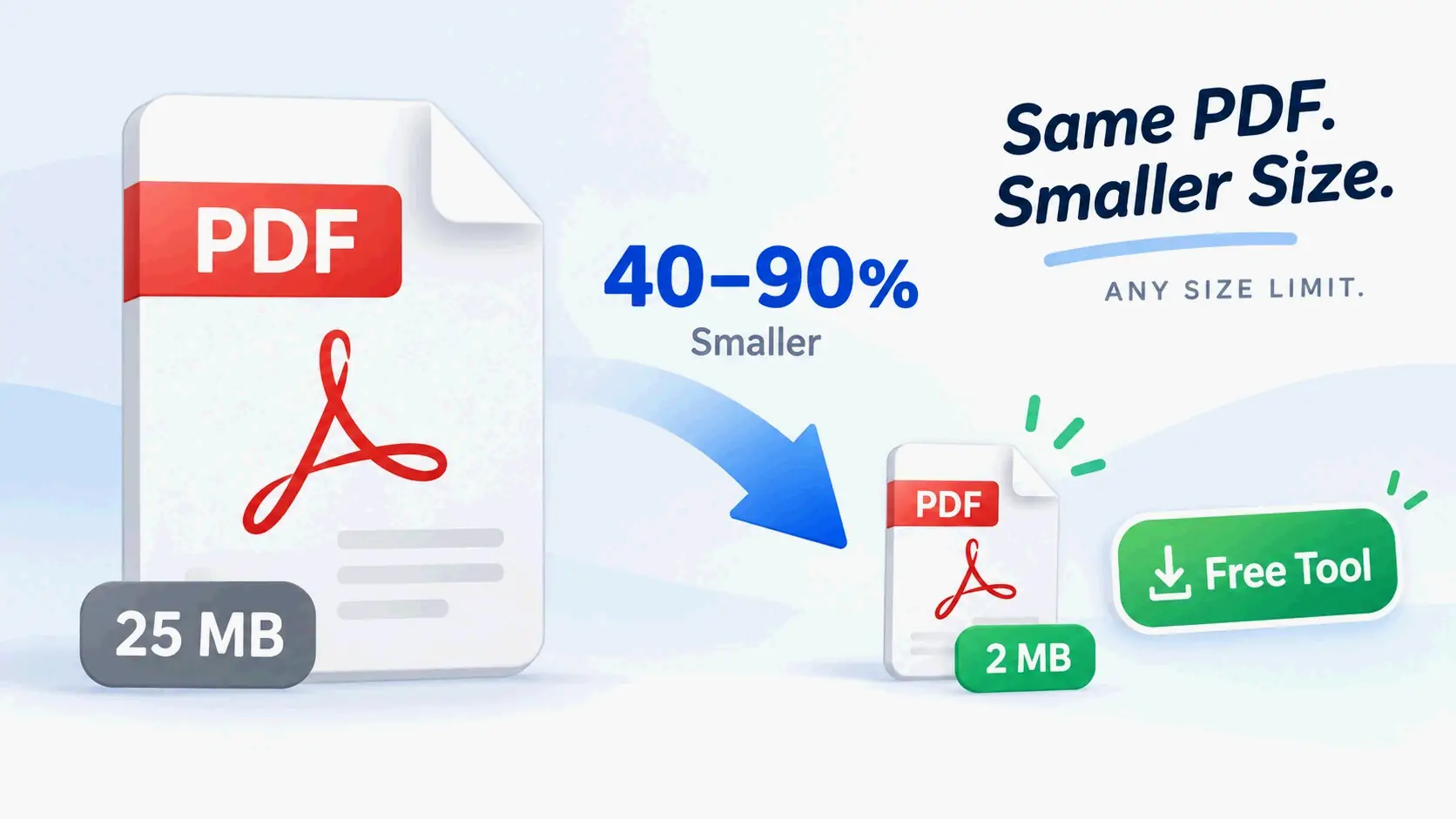
A case study by Filmora shows their compression tools reduce file sizes by 10–90% — a 100MB video can drop to under 20MB without noticeable quality loss at 720p.
Step-by-Step Compression
- Import your video into Filmora, Handbrake, or a web tool like 1MB Compress
- Set format to MP4, resolution to 720p, codec to HEVC
- Target 20MB — many tools have an “advanced compression” setting for exact file size targets
- Export and upload directly to Discord
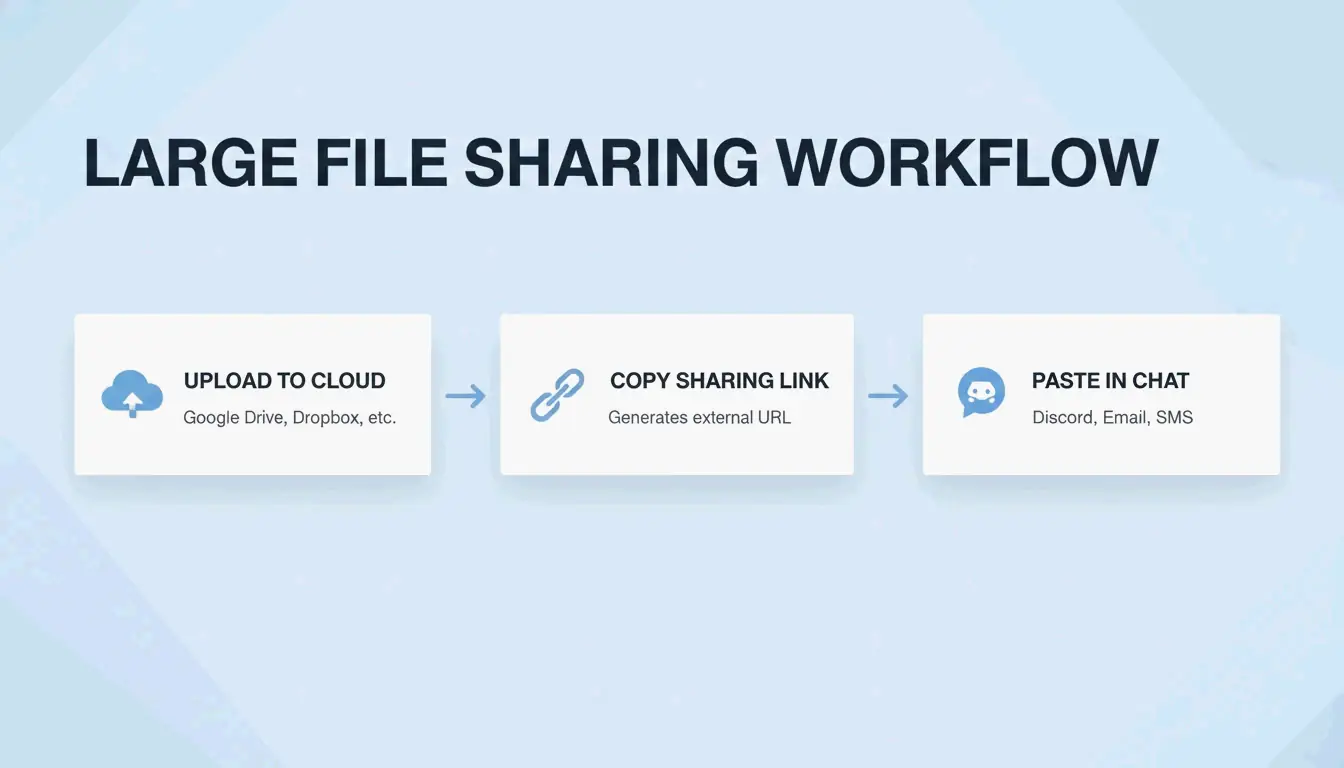
Method 2: Cloud Storage Links
When compression degrades quality too much (long 4K gaming clips, large presentations), host externally:
| Service | Free Storage | Discord Embed Support | Best For |
|---|---|---|---|
| Google Drive | 15 GB | Link preview (click to view) | Documents, presentations |
| Dropbox | 2 GB | Change dl=0 to dl=1 for direct download |
General files |
| OneDrive | 5 GB | Link preview | Office documents |
| Streamable | Unlimited (per file) | Auto-embeds in Discord | Video clips |
Streamable is the top choice for video — it embeds directly in Discord chat so viewers watch without leaving the app. For Dropbox, the dl=1 trick forces direct playback instead of a download page.
Method 3: Client Mods (Vencord / BetterDiscord) — Use at Your Own Risk
Mods like Vencord and BetterDiscord use plugins that automatically detect oversized files, upload them to third-party hosts (Catbox, Litcord), and display them as seamless embeds in chat.
| Aspect | Official Discord | Client Mods |
|---|---|---|
| Encryption | End-to-end (Nitro) | Depends on third-party host |
| Privacy | Discord servers | External servers (Catbox, etc.) |
| Terms of Service | Compliant | Violates ToS |
| Ban risk | None | Low but non-zero |
Wikipedia notes that Discord officially forbids client modification. Bans are rare for visual mods, but bypassing paid features (Nitro upload limits) is a clearer ToS violation. For sensitive files, use official cloud sharing instead.
Conclusion
For most users, compressing to 20MB with HEVC at 720p is the fastest solution. For long or high-quality files, Streamable provides the best Discord experience (auto-embed, no download). Client mods work but violate Discord’s ToS and rely on third-party servers — use them only for non-sensitive content.
FAQ
What is the current Discord free file size limit in 2026?
20MB per file. Discord raised it from 10MB in August 2026 (the 8MB cap is older still). Numbers like 25MB still floating around online conflict with Discord’s own documentation. Any file exceeding the limit requires compression, a cloud link, or a Nitro subscription.
Does compressing video for Discord significantly reduce quality?
It depends on settings. Using HEVC at 720p can reduce file size by up to 90% while keeping video clear on phone and desktop screens. Most users won’t notice a difference from the original when viewed in Discord’s built-in player.
Is using Vencord or BetterDiscord safe?
Technically, all client mods violate Discord’s Terms of Service. Bans are rare for visual customization, but using mods to bypass file limits involves uploading to third-party servers with no encryption guarantees. Use official cloud sharing for sensitive files.
SectoJoy
Let Compress publishes practical guides for compression, conversion, and browser-based file workflows.
Follow SectoJoy