Como compactar um PDF: 5 formas grátis de reduzir o tamanho no Mac/Windows (2026)
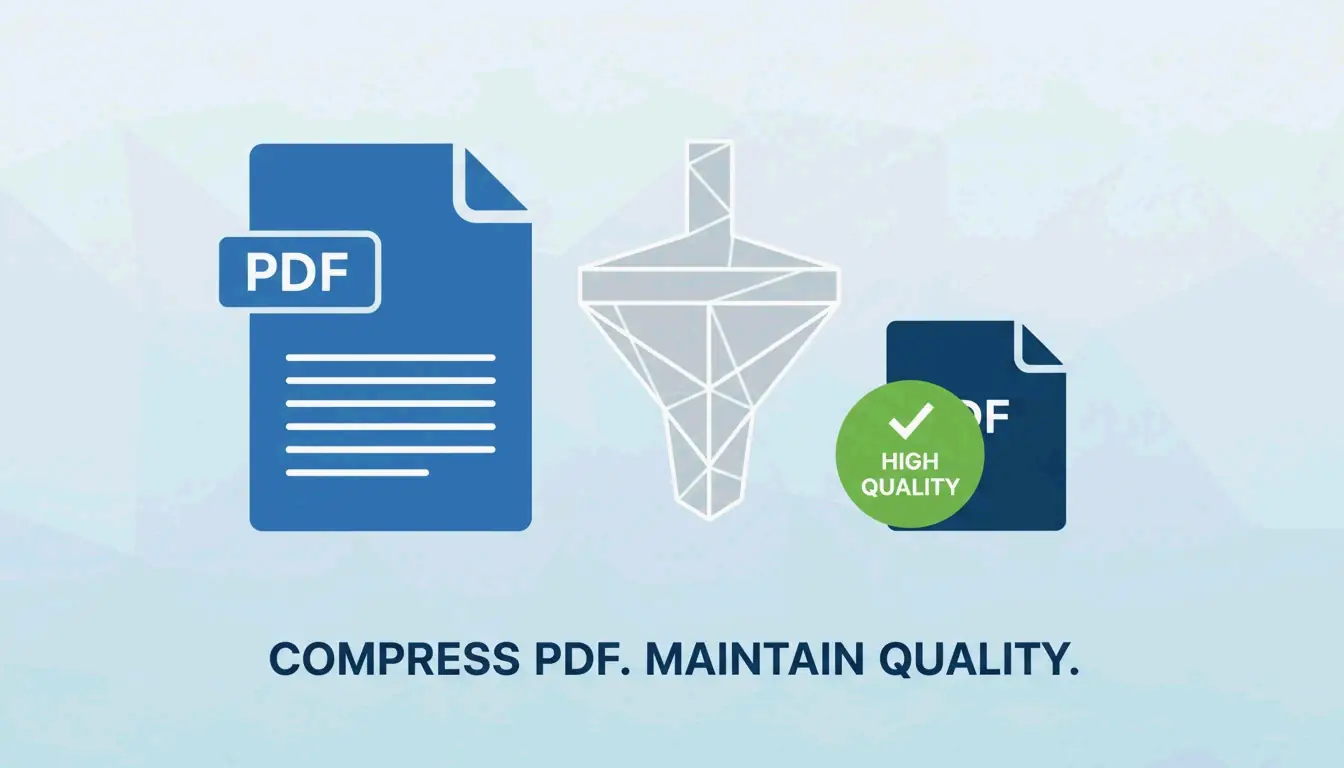
Para compactar um PDF e reduzir o tamanho do arquivo de graça em 2026, usuários de Mac podem usar o filtro Quartz do app Visualizar integrado, enquanto usuários de Windows podem escolher a opção “Tamanho Mínimo” no Microsoft Word. Para resultados de alta qualidade, ferramentas online como Smallpdf ou processadores em lote offline oferecem compactação avançada sem perda significativa de detalhes.
Como usar o Visualizar (Mac) para reduzir PDFs rapidamente?
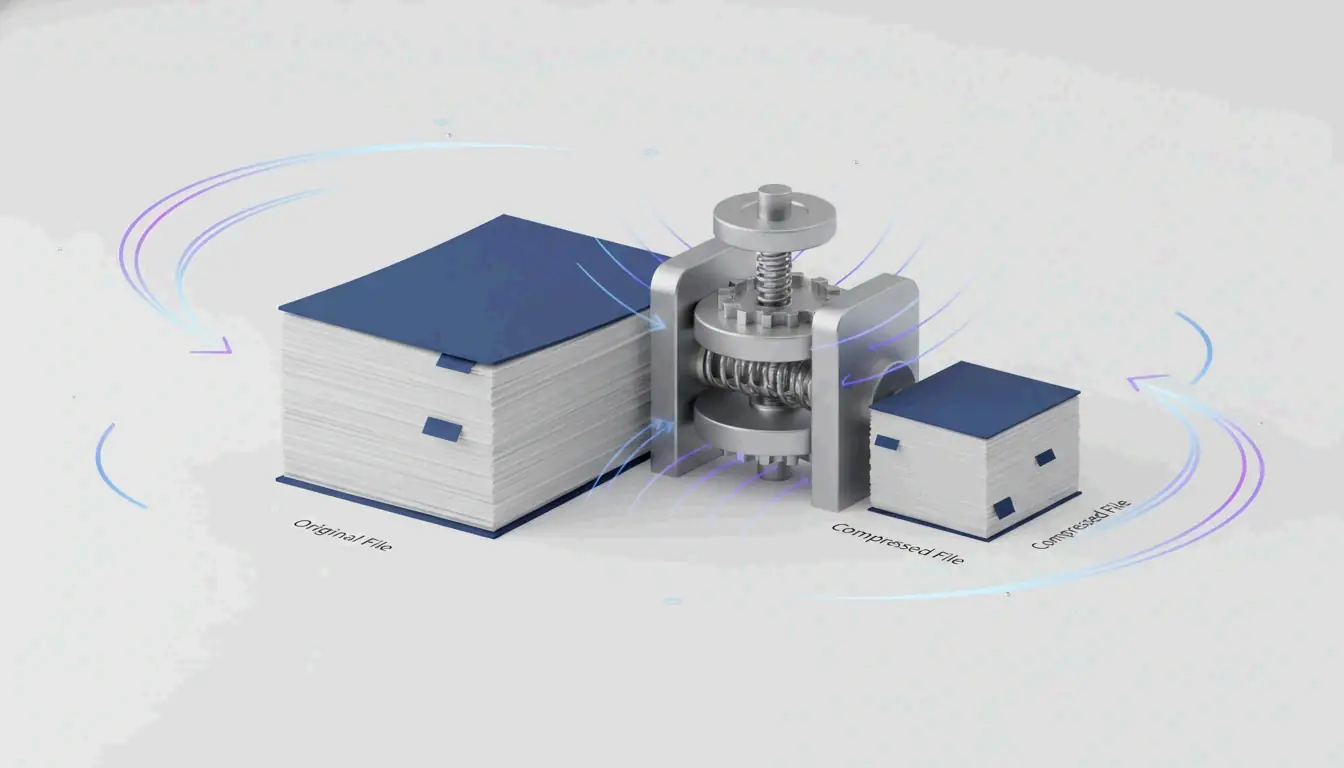
Se você usa Mac, já tem uma ferramenta poderosa integrada, sem precisar baixar nada novo. O Visualizar (Mac) ainda é a forma mais rápida de reduzir arquivos individuais. Ele usa algo chamado filtro Quartz para recodificar as partes internas do documento e diminuir seu tamanho geral. Segundo a Cisdem, esse método pode reduzir o tamanho de PDFs ricos em imagens em até 86,1 %.
O fluxo de 2026: exportar com filtros Quartz
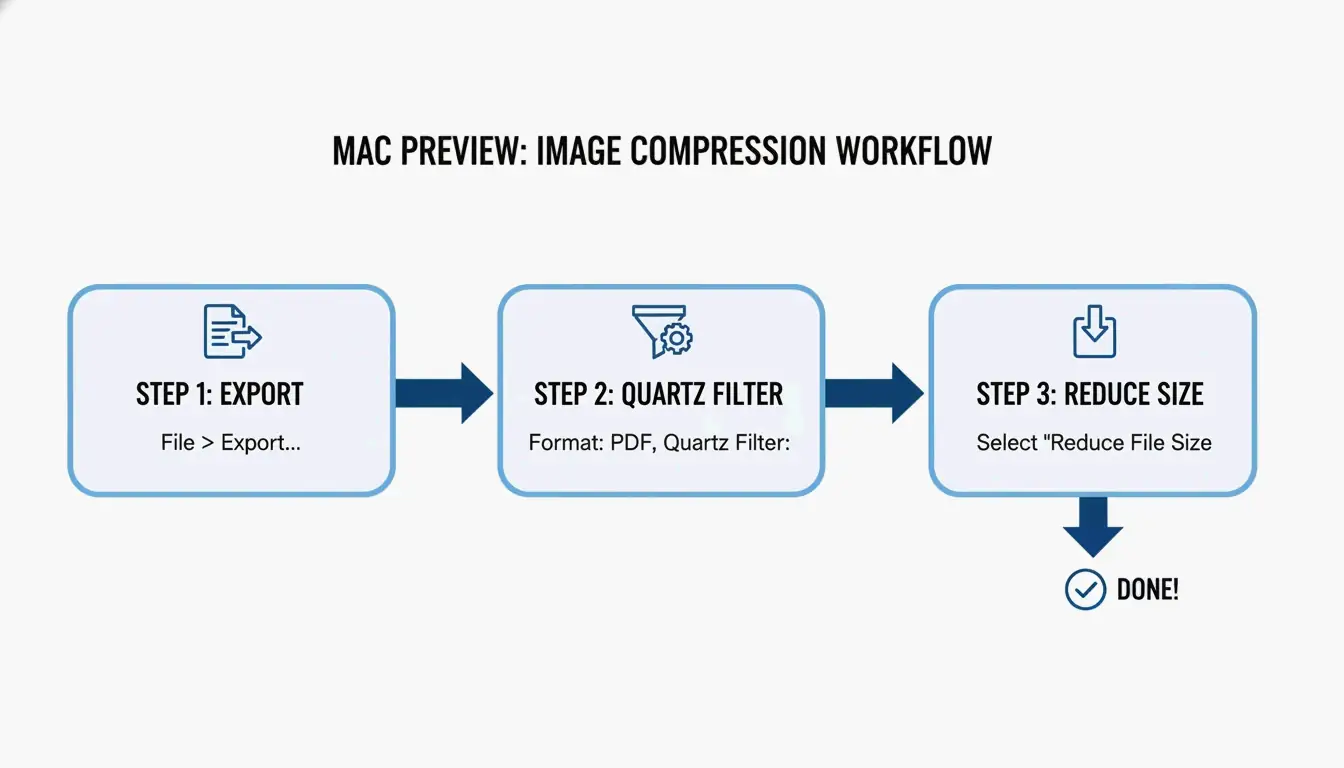
Veja como reduzir o tamanho do arquivo com os passos mais recentes do macOS:
- Abra seu arquivo PDF com o app Visualizar.
- No menu superior, clique em Arquivo > Exportar.
- Procure o menu suspenso Filtro Quartz e escolha Reduzir Tamanho do Arquivo.
- Dica de pro: para manter tudo nítido nas telas, tente garantir que suas imagens de origem estejam no formato RGB e não CMYK antes de exportar. Isso corta dados desnecessários mantendo os visuais nítidos.
- Clique em Salvar e pronto.
Solução de problemas: por que meu PDF ficou maior depois de compactar?
Às vezes, clicar em “Reduzir Tamanho do Arquivo” deixa o arquivo maior. Isso costuma acontecer se o Visualizar tentar reprocessar imagens já otimizadas, ou se tiver dificuldade com fontes e metadados complexos. Se isso ocorrer com você, a Cisdem observa que a qualidade pode cair mesmo que o tamanho aumente. Nesses casos, é melhor mudar para um compactador offline dedicado.
Métodos no Windows: Microsoft Word e compactação em lote
Usuários de Windows geralmente ficam no ecossistema Microsoft, e uma das melhores formas “escondidas” de reduzir um PDF está dentro do Microsoft Word. Isso funciona muito bem para relatórios ricos em texto que precisam ser pequenos o suficiente para e-mails ou uploads web.
Salvar como “Tamanho Mínimo” no Microsoft Word
Se você está trabalhando com um arquivo .docx ou converteu um PDF em Word para editar, siga este caminho:
- Abra o documento no Word e vá em Arquivo > Salvar Como.
- Escolha PDF como tipo de arquivo.
- Procure a seção “Otimizar para” ao lado do botão Salvar e selecione Tamanho mínimo (publicação online).
- O Word priorizará então a clareza do texto enquanto reduz agressivamente as imagens para os padrões web.
Otimizar os DPI para qualidade profissional
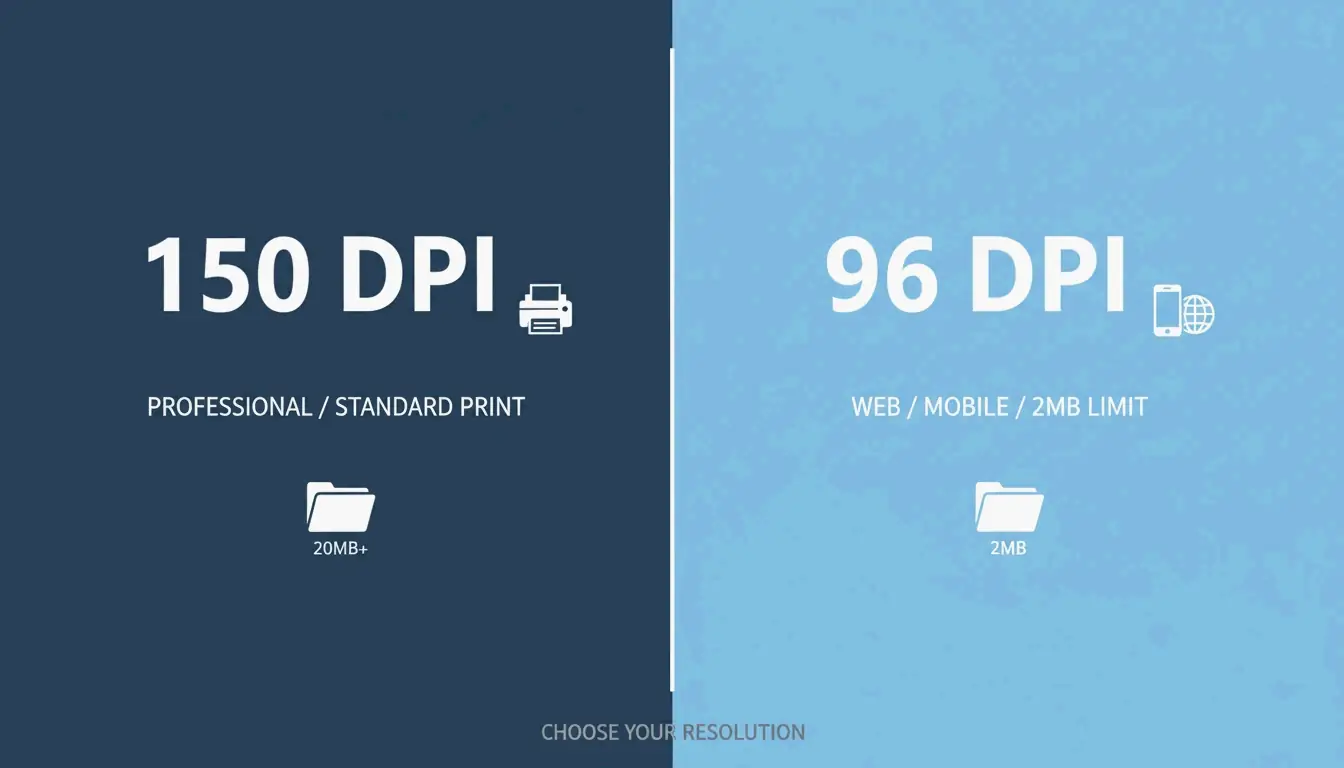
Se você precisa lidar com compactação em lote, ou seja, reduzir muitos arquivos de uma vez, a chave é encontrar o DPI (pontos por polegada) certo. Como sugere o Centro de Ajuda IRCC, salvar imagens em 96 ou 150 DPI pode reduzir bastante o tamanho mantendo o texto legível. 150 DPI é geralmente considerado o “padrão ouro” para trabalho profissional, enquanto 96 DPI é melhor para visualização em celular ou para limites rígidos de upload de 2 MB.
Usar o Smallpdf e ferramentas online com segurança em 2026
Plataformas online como Smallpdf são uma ótima alternativa no navegador se você não quer instalar software. São especialmente úteis se você alterna entre computadores diferentes ou precisa puxar arquivos diretamente do Google Drive ou Dropbox.
É seguro enviar documentos confidenciais?
A privacidade é muito importante em 2026. A maioria das ferramentas confiáveis como o Smallpdf agora segue os sinais de GPC (Controle Global de Privacidade) e geralmente exclui seus arquivos dentro de uma hora após o processamento. Ainda assim, você deve fazer uma verificação rápida de segurança: procure certificações SOC2 ou GDPR no site. Para dados comerciais muito sensíveis, a JOPDF recomenda usar ferramentas offline para que seus dados nunca saiam do seu computador.
Métodos pro avançados: Adobe Acrobat Pro e Ghostscript
Para usuários avançados lidando com arquivos enormes ou plantas complexas, as ferramentas padrão podem não dar controle suficiente. O Adobe Acrobat Pro e a ferramenta de linha de comando Ghostscript são os padrões da indústria para trabalho de alto desempenho.
A escolha do usuário avançado: comandos do Ghostscript
O Ghostscript é uma ferramenta autônoma que oferece algumas das melhores taxas de redução disponíveis. Em um teste de 2026, a Cisdem obteve uma redução massiva de 94,5 % em um arquivo de 60 MB com o Ghostscript.
- Instalação: Instale-o com
brew install ghostscriptno Mac ou use o arquivo .exe no Windows. - Execução: Use a opção
-dPDFSETTINGS=/ebookpara um bom equilíbrio entre qualidade e tamanho. - Eficiência: Ele pode processar um documento de 1.000 páginas em cerca de 10 segundos, tornando-o a opção mais rápida para trabalhos em grande escala.
Compactação sem perdas: manter o texto nítido
O menu “Todas as ferramentas” do Adobe Acrobat Pro inclui configurações de compactação sem perdas. Indo em Compactar um PDF > Otimização avançada, você pode remover manualmente dados “ocultos” como metadados antigos, favoritos e fontes não usadas. Isso mantém o tamanho do arquivo pequeno, mas garante que o texto permaneça perfeitamente nítido não importa o quanto você amplie, algo essencial para trabalhos jurídicos e acadêmicos.
Alternativa: usar o 7-Zip para armazenamento em arquivo
Quando você não consegue reduzir mais o PDF, ou se tem uma pasta inteira deles para enviar, usar um software de arquivo como o 7-Zip é a melhor jogada. Em vez de mudar o próprio PDF, o 7-Zip coloca os arquivos em um “contêiner” compactado (.zip ou .7z). Muitos portais governamentais até preferem isso porque permite contornar limites de quantidade de arquivos mantendo os documentos originais de alta resolução intactos até o destinatário abri-los.
Conclusão
Compactar PDFs em 2026 é tudo uma questão de escolher a ferramenta certa para o trabalho. Use o Visualizar no Mac ou o Word no Windows para tarefas rápidas do dia a dia. Se você é um profissional lidando com centenas de arquivos ou dados sensíveis, ferramentas como Ghostscript ou Adobe Acrobat valem o passo extra para garantir que seus documentos fiquem seguros e com aparência profissional.
Perguntas frequentes
Por que o tamanho do meu PDF às vezes aumenta depois de usar o filtro “Reduzir Tamanho do Arquivo” do Visualizar no Mac?
Segundo a Cisdem, o Visualizar pode recodificar imagens já otimizadas com configurações ineficientes, ou fontes incorporadas e metadados podem ser duplicados durante a exportação. Se isso acontecer, é melhor usar um compactador offline de terceiros ou uma ferramenta online como o Smallpdf para obter uma redução real.
Como posso compactar um PDF para um tamanho específico como 100 KB ou 2 MB?
Para atingir alvos específicos, use os “Otimizadores de PDF” no Adobe Acrobat Pro ou ferramentas como a JOPDF que permitem ajustar as configurações de DPI. Baixar a resolução para 72 ou 96 DPI e remover metadados desnecessários são as formas mais eficazes de reduzir um arquivo abaixo do limite de 100 KB para envios em portais rígidos.
É seguro enviar documentos comerciais confidenciais para compactadores de PDF online gratuitos?
Embora ferramentas confiáveis como o Smallpdf excluam arquivos dentro de uma hora e respeitem os sinais GPC, sempre há um risco residual ao enviar dados para um servidor de terceiros. Para dados jurídicos ou financeiros altamente sensíveis, especialistas recomendam usar ferramentas offline como Ghostscript ou Adobe Acrobat. Sempre verifique certificações de segurança de 2026 como SOC2 e GDPR antes de usar qualquer serviço web.
SectoJoy
Let Compress publishes practical guides for compression, conversion, and browser-based file workflows.
Follow SectoJoy